




Micro MinimOSD On Screen Display for Naze32 & CC3D with MultiWii OSD & KV Team Mod
£12.99 Inc. VAT
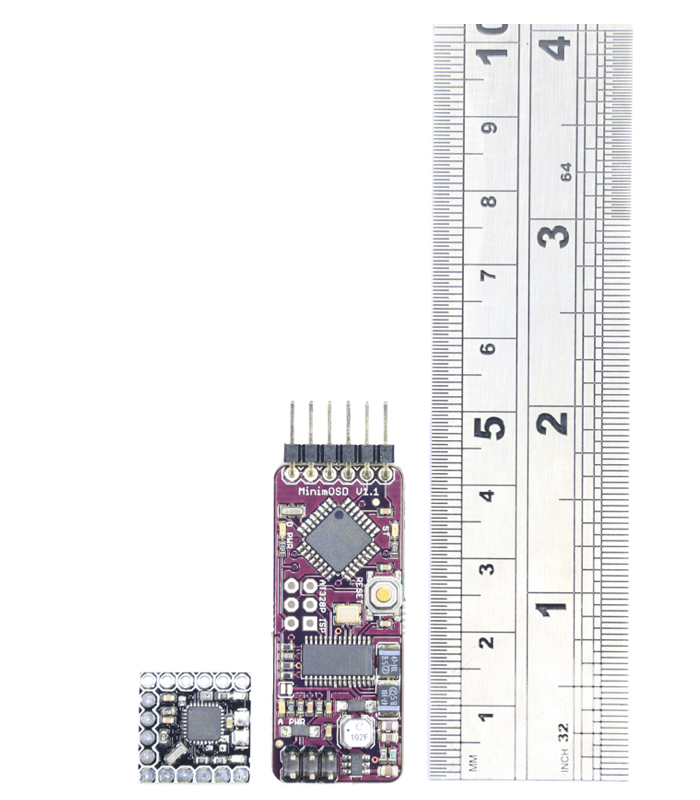
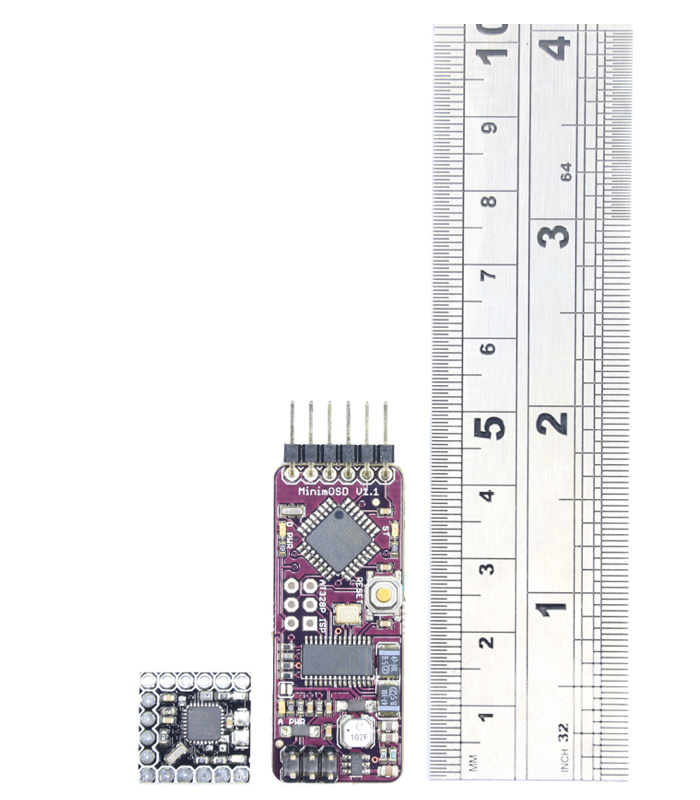
All the same features as the original MinimOSD, but only around 1/3 of the size.
In stock|Next shipping: 16/03/2026
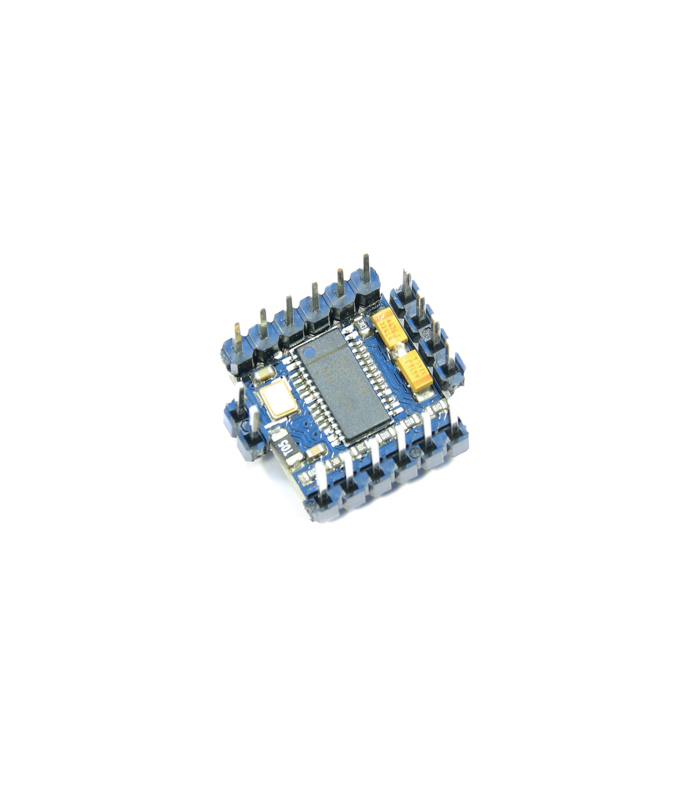
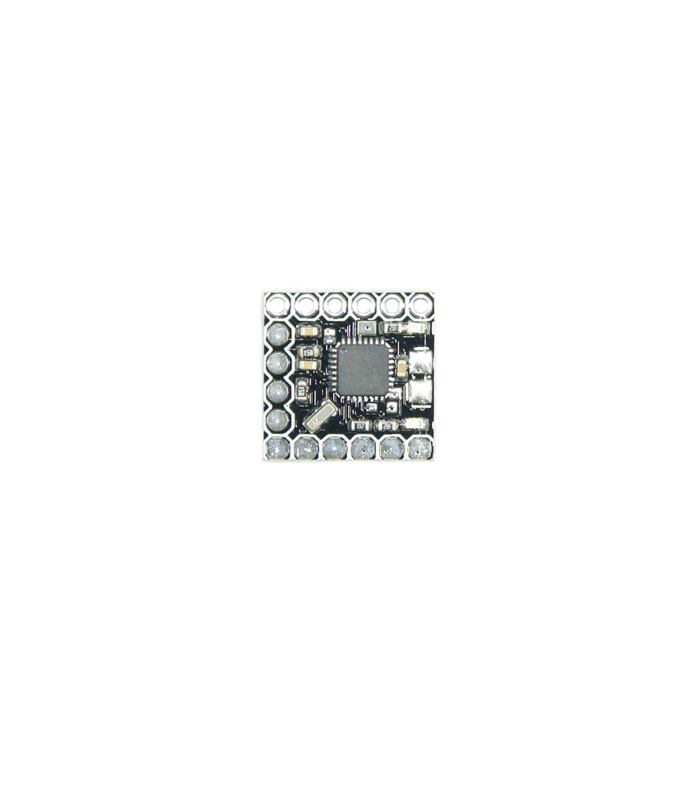
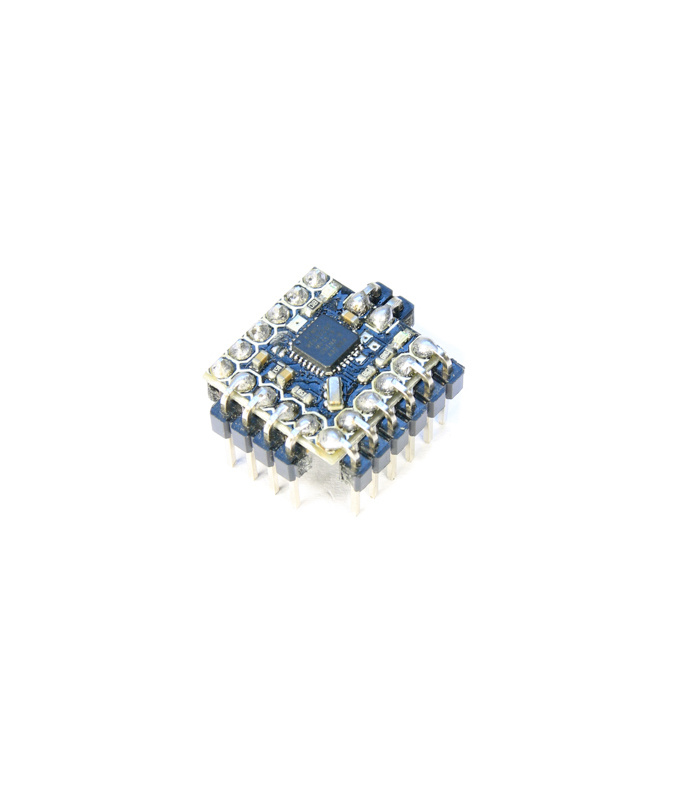
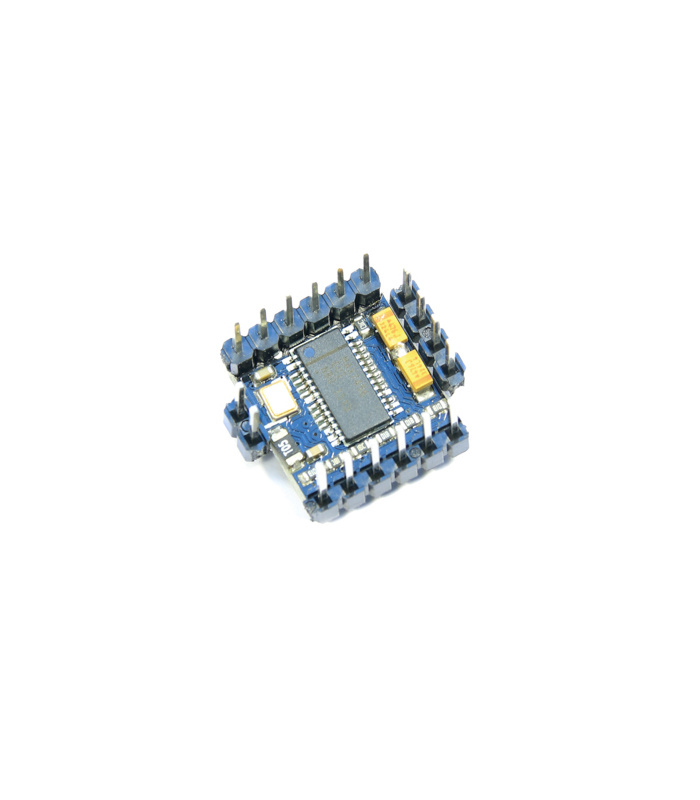
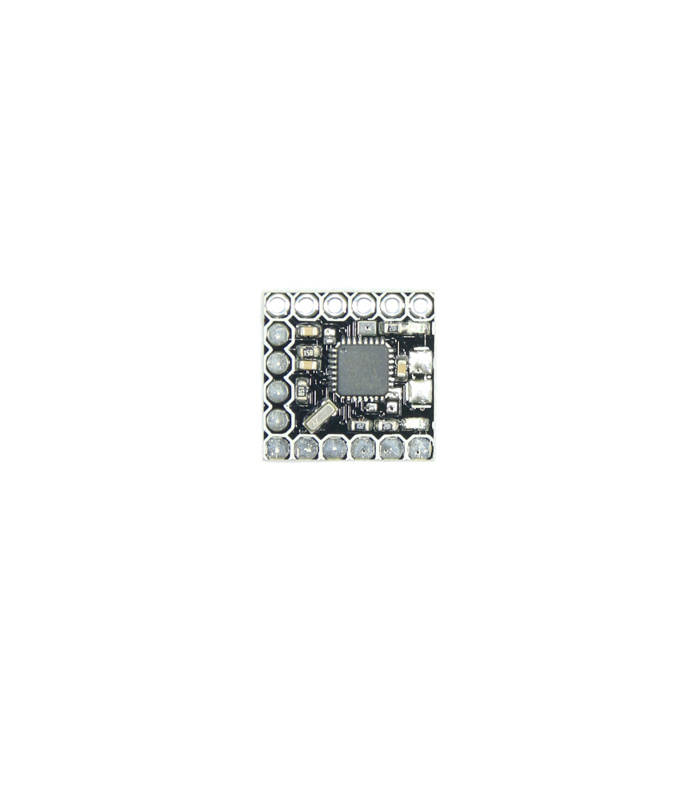
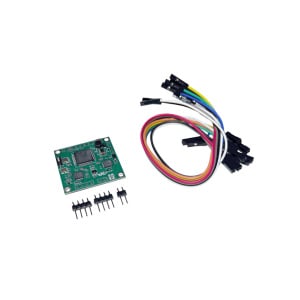
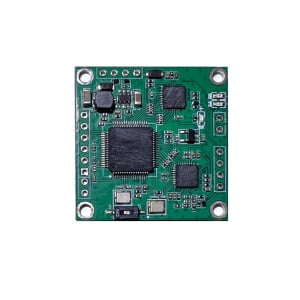
The Micro MinimOSD has been designed with racing drones in mind, it weighs less than 1g and is absolutely tiny. Measuring 15mm x 15mm, it’s about a 1/3 of the size of the older MinimOSD and yet packs all of its features bar the Dc/Dc converter. The OSD coupled with the MWOSD firmware boasts a lot of features. If you have the appropriate sensors, it lets you display all of the usual telemetry data like height, speed and position with a virtual horizon, but it also allows you to display a callsign and even tune PID settings via the OSD menu (available on MultiWii firmwares like Cleanflight). It has two voltage inputs, so it can be used to monitor both a flight battery and an auxiliary battery. Lastly there is a pin for analog/digital PWM RSSI and a connection where you can attach a current sensor. The OSD can be flashed with firmware that is MAVLink compatible for ArduCopter, or MultiWii Serial compatible for MultiWii and Baseflight / Cleanflight control boards.
- ATmega328P with Arduino bootloader
- MAX7456 monochrome on-screen display
- FTDI compatible pinout
- Standard 6-pin ISP header
- NO DC/DC converter. Power board via 5V DC (500mA).
- Two LED indicators
- Allows for direct connection of two batteries (up to 4S)
- Pad for an Analog or Digital PWM RSSI signal
- Pad for the connection of a Current Sensor
- This Board can be used as a normal OSD for APM or it can be used with MWC KV Team Mod.
- MAVlink Compatible
Firmware flashing (requires a FTDI Programmer):
MWOSD Download: Open Source OSD for MultiWii, Baseflight, Cleanfight
Arduino IDE: Required to flash the MinimOSD with the MWOSD Firmware
- Download the OSD firmware MW OSD and the Arduino Software.
- Connect the OSD to the FTDI adapter observing the pinout diagram, and that to the PC.
- Start Arduino IDE.
- Select File – Open. Browse to the MW_OSD folder and select ‘MW_OSD.ino’
- The MW OSD Firmware needs to be configured so that it knows you are using the Mirco MinimOSD. Click on the tab “config.h” and uncomment #define WITESPYV1 – this option tells the firmware you are using the MircoMinim OSD Hardware. If you are running Cleanflight, also uncomment #define CLEANFLIGHT (Settings Screenshot or File download MW_OSD.zip for example). Remember to recomment (add //) the options you are not using.
- Before flashing the firmware, be sure your Arduino IDE has as selected board. Go to menu Tools – Board – Arduino Pro or Pro Mini 5V, 16MHz, w/ ATmega328. Also select the proper serial port in menu Tools – Serial Port.
- Compile and Upload sketch by clicking on the “Upload” button.
- To configure the OSD, use the MWOSD gui which you find in the MWOSD package.

MWOSD GUI
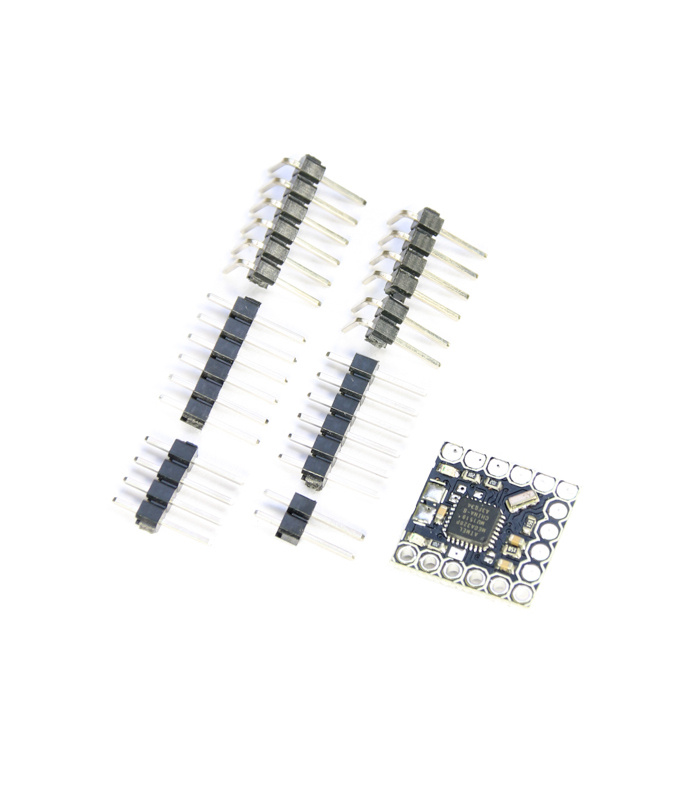
PLEASE NOTE: The OSD does not come with the header pins pre-soldered. It also needs to be flashed with the MWOSD firmware to work with the Naze32/Flip flight controllers.

- ATmega328P with Arduino bootloader
- Size: 15x15mm
- Weight:
Please Note: We cannot accept any returns after the board has been soldered/modified.
Questions and answers of the customers
There are no questions yet. Be the first to ask a question about this product.
SHIPPING & DELIVERY
We are based in the UK and ship to most destinations worldwide.
We dispatch orders during the times shown on our Dispatch Schedule. Orders placed before the daily dispatch cutoff will ship the same day (subject to stock availability). Orders placed after the cutoff will ship on the next scheduled dispatch day.
A confirmation email is sent once your order has been packed. If you need to amend your order, please contact us as soon as possible — once shipped, we’re unable to make changes.
We work with trusted delivery partners including Royal Mail, DHL, UPS, Fedex and Parcelforce. If you have a delivery requirement or would like to arrange collection, please get in touch.


Next Dispatch: Today
Please fill in the fields below with the shipping destination details in order to calculate the shipping cost.
Shipping to the UK
- Order before the daily dispatch cutoff for same day dispatch.
- FREE delivery available on qualifying orders over £99 (under 1kg).
For small, low-value orders, Royal Mail First Class is our most economical option. Royal Mail Tracked 24 is the most popular choice, offering full tracking and flexible delivery options. For guaranteed next working day delivery, we recommend Royal Mail Special Delivery.
Royal Mail delivers to residential addresses Monday to Saturday, while courier services (including DHL) typically deliver Monday to Friday.
International Postage
- USA orders: Import duties and taxes are prepaid by us — no additional customs charges on delivery.
- Other destinations: Customs duties or import taxes may apply and are the responsibility of the recipient.
Smaller, lower-value orders may be sent via Airmail or tracked postal services. Economy road and express air courier options are available depending on destination. For faster delivery, we recommend express air courier services such as DHL Express, which typically deliver within 1–2 working days across Europe and a few working days for most other destinations.
Related products




Reviews
Clear filtersThere are no reviews yet.